NinjaTrader-native strategy workflow
Configured Core and liquidity signals are evaluated inside the NinjaTrader strategy workflow before supported execution paths are reached.

 NinjaTrader 8 · Xtrend V10 Gold Edition
PRECISION TOOLS FOR SERIOUS TRADERS
One advanced NinjaTrader 8 ecosystem for order flow, footprint insights, liquidity analysis, configurable automation, and optional machine-learning workflows — supported by a dedicated V10 Control Center.
NinjaTrader 8 · Windows desktop · Configurable strategy workflows
A short presentation of the NinjaTrader workflow, order-flow tools and Xtrend interface.
Xtrend V10 is a NinjaTrader 8 trading system with a local desktop backend and a dedicated Control Center. NinjaTrader remains responsible for market-data processing, signal evaluation, order routing and strategy execution.
Configured Core and liquidity signals are evaluated inside the NinjaTrader strategy workflow before supported execution paths are reached.
Context, liquidity, order-flow, L2 and related evidence can be recorded and used according to the active configuration.
Datasets, training, validation, models, deployment, monitoring and server state remain visible through the V10 Control Center.
Explore how market information moves through Xtrend’s analysis, signal and execution workflow.
Market-data processing and strategy execution.
Configured strategy and BM signal evaluation.
Context, flow, liquidity and freshness-aware evidence.
Configured candidate checks before order routing.
Confirmation layer when enabled and available.
Supported NinjaTrader-managed execution paths.
Decision and result records for research workflows.
Training, validation, deployment and rollback visibility.
Discover the technologies that work together to support analysis, strategy execution and trade review.
Core brings configured signal families, context, execution state and candidate evaluation into one NinjaTrader process.
Read Strategy Documentation →Seven configurable signal families — absorption, exhaustion, iceberg, spoofing, liquidity wall, flash magnet and whale — provide heuristic market evidence, not certainty about participant intent.
Read Liquidity Signal Documentation →Context and L2 layers preserve availability and stale-data states instead of silently treating missing evidence as confirmation.
Read Strategy Documentation →Ledger-driven datasets support model training, validation, candidate state, deployment visibility, monitoring and rollback.
Read ML Strategy Documentation →See the real Xtrend Algo V10 interface running inside NinjaTrader 8 — combining chart-side controls, BM liquidity signals, Context / L2 research, Flow AI status and execution tools in one workflow.

The V10 Control Center exposes server-authoritative state for datasets, model workflows, context/L2 research, deployment, monitoring and logs.
Use the NinjaTrader strategy manual for chart-side configuration and trading controls, and the Control Center manual for datasets, model workflows, deployment and monitoring.
Understand the strategy interface, Core and BM modes, all seven liquidity signals, risk and order controls, ML options, chart controls and customer-facing parameters.
Read Strategy Documentation →Learn the separate desktop workflow for datasets, training, validation, model lifecycle, Context/L2 research, deployment, monitoring and server logs.
Read Control Center Documentation →| Typical standalone indicator | Xtrend Algo V10 |
|---|---|
| May focus on one chart signal | Combines configured Core, liquidity, context, L2 and optional Flow AI workflows |
| Often presents chart output only | Includes a local Control Center for datasets, models, deployment, monitoring and logs |
| May not retain research lineage | Supports ledger-driven immutable datasets and lineage state |
| May not expose model operations | Includes training, validation, model, deployment and rollback workflows |
| May not distinguish stale data | Represents unavailable and stale context/L2 states explicitly |
| May not include strategy execution paths | Supports configured NinjaTrader ATM and strategy-managed routing paths |
Start with a two-day trial or choose lifetime access for your workflow.
Check compatibility, data-feed entitlements and your NinjaTrader configuration before running the strategy.
| Category | Minimum | Recommended |
|---|---|---|
| Operating system | Windows 10/11 x64 | Windows 11 Pro x64 |
| Processor | 6 cores | 8+ cores |
| Memory | 12 GB RAM | 16 GB+ RAM |
| Platform | NinjaTrader 8 | Latest tested supported build |
| Market data | Appropriate Level 2 entitlement for depth-based functions | Stable depth-capable provider; confirm Kinetick/CQG/Rithmic compatibility for your setup |
| VPS | Optional | Suitable Windows VPS for always-on use |
Requirements are planning guidance; runtime compatibility and feed availability must be verified for each installation.
Explore the requirements, included tools, automation options and learning workflow. Start with the two-day evaluation to see how Xtrend fits your setup.
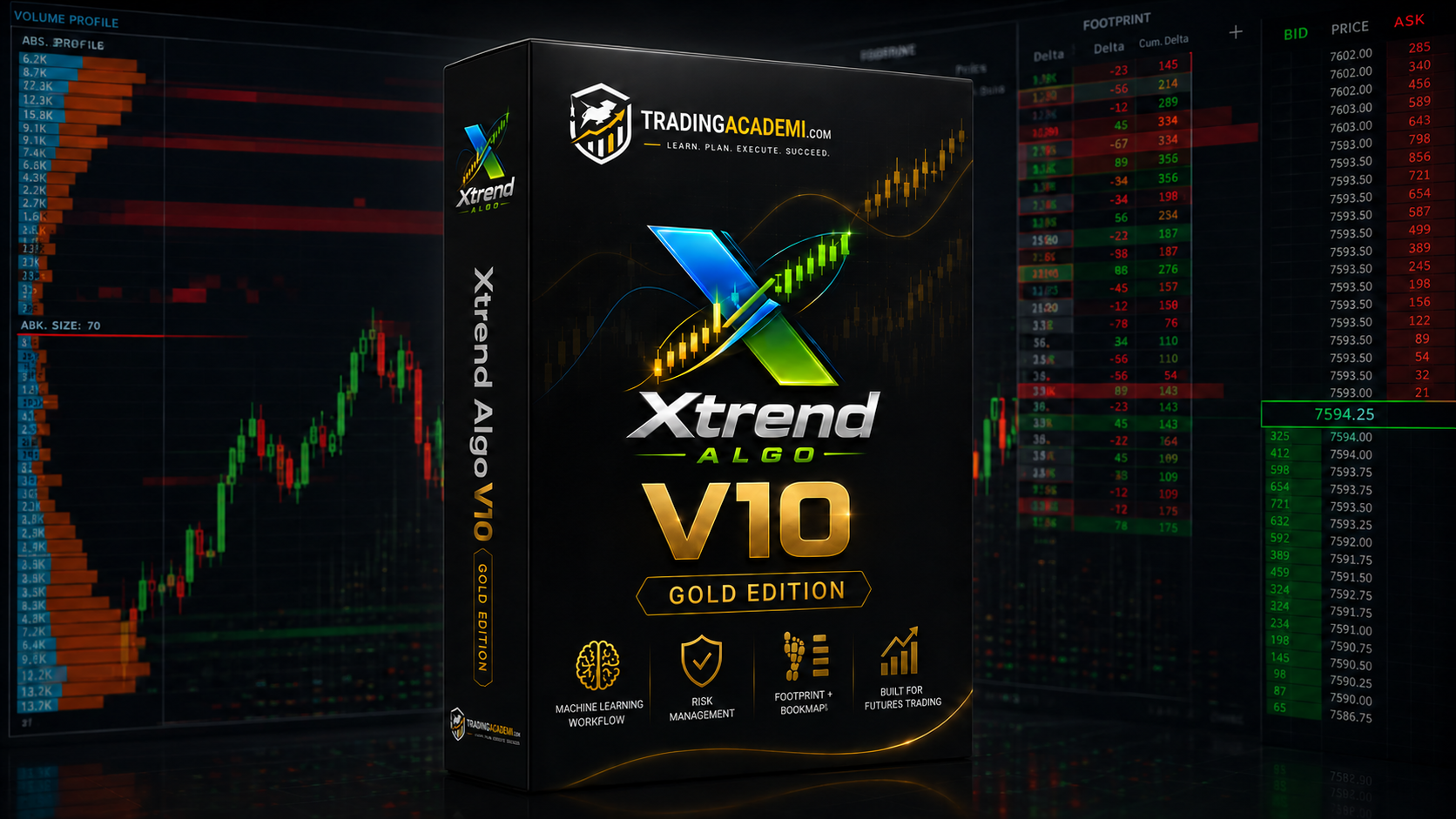
Try Xtrend for 2 DaysXtrend Algo V10 is a configurable NinjaTrader 8 trading system bringing together order-flow analysis, strategy logic, liquidity concepts, execution management, result tracking and a local Control Center.
The toolkit includes XtrendBookmap, Xtrend Footprint and Xtrend VWAP, alongside the configured Core trading and liquidity signal workflows. Functions using market depth depend on suitable data access.
Xtrend provides configurable automation and execution paths. Available modes and order-management choices depend on your NinjaTrader setup and enabled settings. Monitor automated operation and test it in a non-live environment first.
Xtrend analyzes seven liquidity behaviors: Absorption, Exhaustion, Iceberg, Spoofing, Liquidity Wall, Flash Magnet and Whale. Each provides a different perspective on order-book activity to help you evaluate market conditions and potential setups.
Xtrend includes a local Machine Learning workspace for training, validation and model management. Its market-context analysis helps organize changing market conditions, while optional AI confirmation depends on the model and configuration you select.
The system includes trading performance and research views to help review trade activity, outcomes, contexts and signal evidence. Actual recorded data depends on the configured runtime and available history.
You can explore Xtrend as part of a structured evaluation workflow, subject to the specific firm’s rules about automation, position sizing and risk limits. Passing an evaluation or meeting an account target is never assured.
Xtrend gives you advanced tools for analyzing the market, organizing entries and managing execution. Your results depend on your trading approach, how you configure and use the system, your risk management and market conditions. It can support a disciplined workflow, but no trading system can guarantee a profit.
Yes. You can start with the two-day free trial to check compatibility, explore the interface and evaluate the workflow before deciding whether lifetime access suits you.
Xtrend is designed for NinjaTrader 8 on Windows x64. Refer to the complete requirements table above for CPU, RAM, supported-platform guidance, Level 2 entitlements and optional VPS considerations.
Setup guidance is available to help you install Xtrend, review your NinjaTrader 8 configuration and get familiar with the available tools and settings.
The options presented here are a free evaluation and a one-time lifetime-access purchase. There is no monthly license plan listed for this offer.
See the platform in action with a two-day trial, and discover how Xtrend can support your trading workflow.